Adobe New Update 2026: AI Agents Are Now Inside Photoshop and Premiere. What Does It Mean for Your Business?
Imagine telling Photoshop, in plain words, “make the lighting warmer and fix the background”, and watching it happen. Imagine your video editor saying “cut a first draft of this reel” and getting one in minutes.
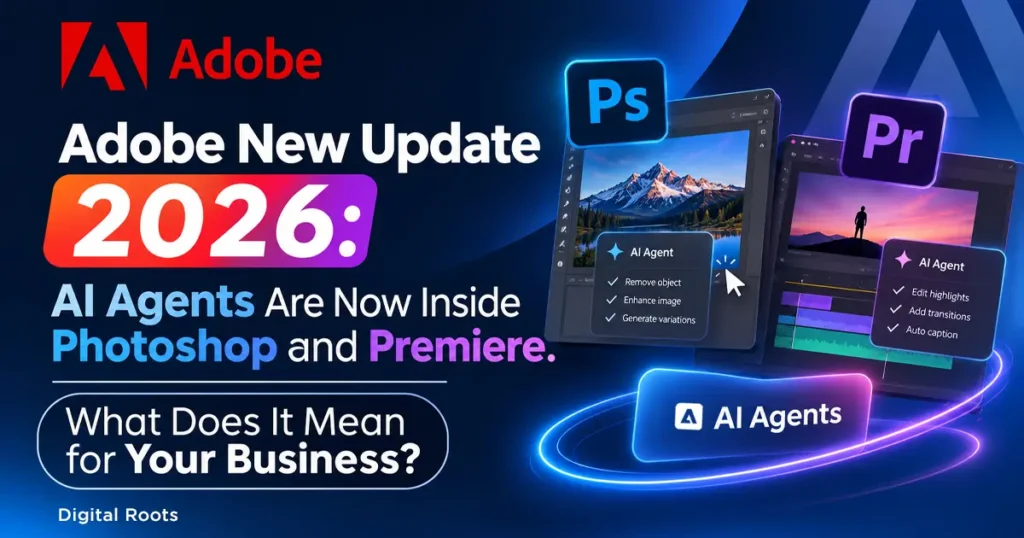
That is not a future promise anymore. On 10 November 2026, at its annual MAX conference in Miami Beach, Adobe announced its biggest set of updates of the year, and most of them are built around AI agents. If you run a business, create content or depend on designers and video editors, this Adobe new update 2026 changes how fast and how cheaply good marketing content can be made.
What did Adobe announce in its 2026 update?
In short, Adobe is moving from “AI that generates an image” to “AI that does the work inside your apps”. The main announcements:
- Creative Agent: an AI assistant that takes plain-language instructions and now works across Photoshop (beta), Premiere, Illustrator, InDesign, After Effects and Frame.io.
- New Photoshop tools: Relight and Generative Restyle.
- New Premiere tools: Color Mode, a generative media tool, better audio clean-up and object removal in video.
- Firefly upgrades: Firefly Design, Firefly Graph and Firefly Builder.
- MCP integrations (preview): other AI assistants, including ChatGPT and Claude, can work directly inside Adobe apps.
Many of these are covered in detail by TechCrunch, Digital Trends and Animation World Network. Here is what each one means in simple terms.
Want to see it straight from the source? Adobe has put the full opening keynote online: watch the official Adobe MAX 2026 opening keynote. The page may ask you to register for free first.
Photoshop: change the light with a slider, not a reshoot
Relight lets you place up to three virtual light sources around a subject and change how a photo is lit after it has been taken. Generative Restyle turns prompt-based changes into sliders, so you can fine-tune an AI edit instead of regenerating it again and again. For product photos and social media creatives, that means fewer reshoots and faster approvals.
Premiere: first cuts, cleaner audio and one-click object removal
Premiere gets Color Mode, a new colour grading system, and a tool that can create video, sound effects and music right in the timeline. It also gains audio tools such as Enhance Audio and Separate Crosstalk, plus Generative Remove, which works like a magic eraser for video. Reels, ads and product videos that once took a full day of editing can now reach a first draft much sooner.
Firefly now wants to be your design studio
Firefly Design (beta) is an all-in-one design workspace that comes with Creative Cloud. Firefly Graph (beta) helps you build repeatable creative workflows, which is useful for brands that need the same content in many sizes. Firefly Builder (private beta) can turn plain-English prompts into interactive website and app prototypes, which puts Adobe in direct competition with tools like Figma.
The biggest surprise: Claude and ChatGPT can now work inside Adobe apps
Adobe previewed local MCP integrations for Photoshop, Illustrator, Premiere and After Effects. In simple words, the AI assistant you already use can make changes inside your real project files, while layers, vectors and video sequences stay fully editable. This is very different from asking a chatbot for a picture and getting a flat image back.
Why this matters for your marketing
This is where it becomes a business story, not just a design story:
- Content gets faster. Posts, reels, banners and thumbnails can be produced in hours instead of days.
- Production gets cheaper. Small businesses can reach a quality that once needed a big agency budget.
- Everyone will be able to do it. When all your competitors can make polished content quickly, good-looking creatives stop being an advantage.
- Strategy becomes the real edge. The brand with the clearer audience, message and idea will win, not the one with the fanciest tool.
If that sounds familiar, it is the same point we always make about digital marketing: it is not about spending the most, it is about getting the most out of what you spend. AI makes creating cheaper. It does not tell you what to say or who to say it to.
Before you get excited: things to keep in mind
- Many of the new tools are still in beta or preview. Relight, Generative Restyle and Color Mode are available now, but the AI assistants, Firefly Graph and MCP integrations are not final, so features may change.
- AI output still needs a human eye. Check every image, caption and video for mistakes, brand consistency and rights before publishing.
- Do not change your whole workflow overnight. Test one tool on one campaign first and measure the result.
What should you do now?
- Update your Adobe apps and check which of the new features your plan includes.
- Pick one repetitive task (resizing creatives, video clean-up, thumbnails) and try the new tool on it.
- Keep your brand rules ready: colours, fonts, tone and logo usage, so AI-made content still looks like you.
- Put strategy first. Decide your audience and message before you open any tool.
Want help turning all this into real results? At Digital Roots, the best digital marketing agency in Thrissur, we combine the latest tools with a clear strategy, so your content does not just look good, it brings you customers.
The Adobe 2026 update is a sign of where creative work is heading: faster, more automated and open to everyone. The tools are getting cheaper and easier. What stays valuable is knowing what to create, for whom and why.
Use the new tools, but do not forget the old rule: the best marketing is not about spending the most, it is about getting the most out of what you spend.
Want your brand to make the most of AI and the latest design tools? Book a free consultation with Digital Roots, the best digital marketing agency in Thrissur, Kerala.
www.digitalrootss.com | +91 70126 33305 | connect@digitalrootss.com